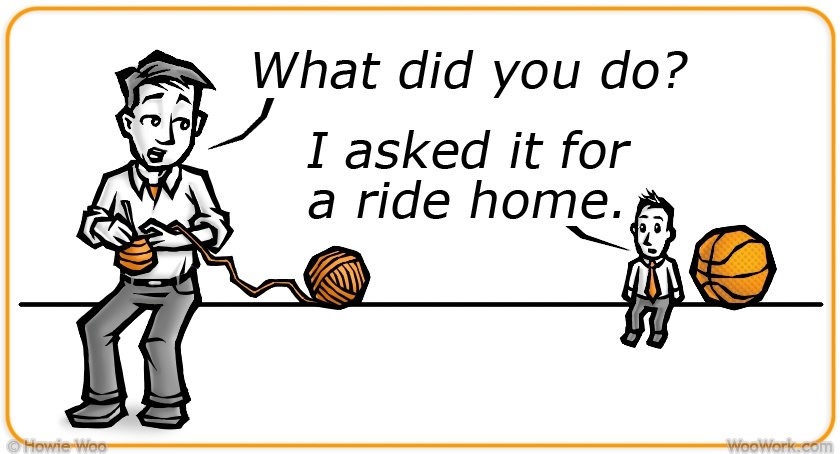
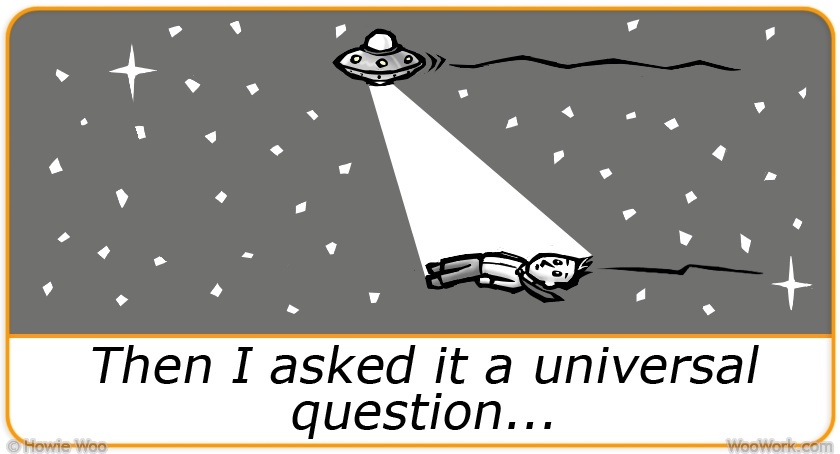
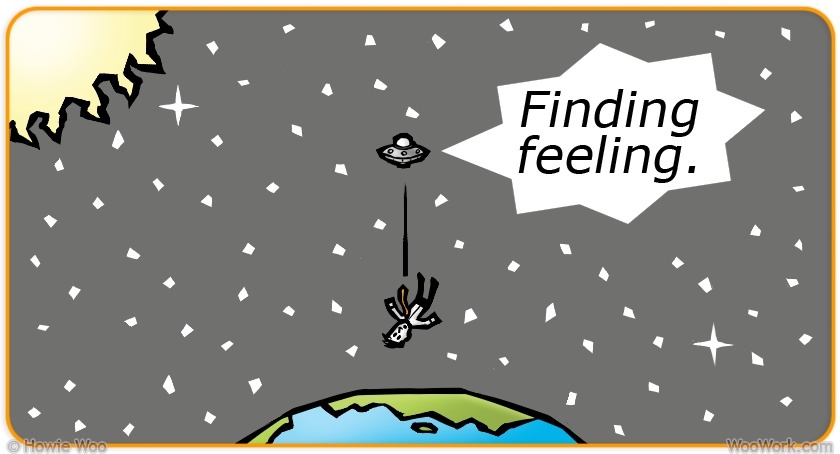
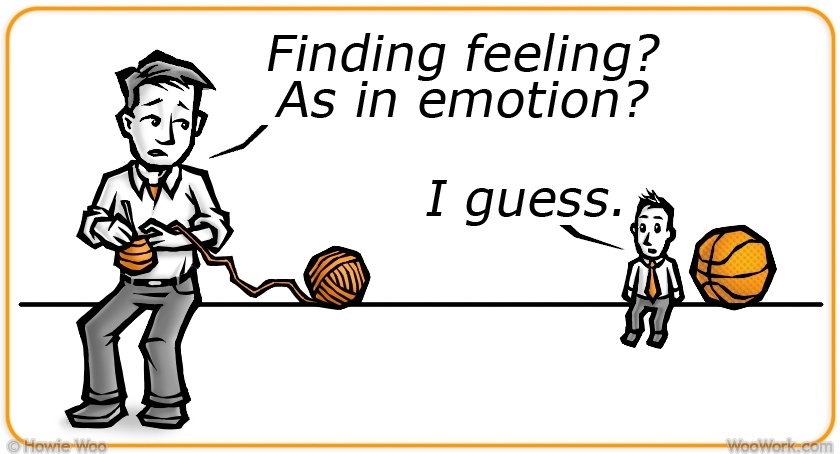
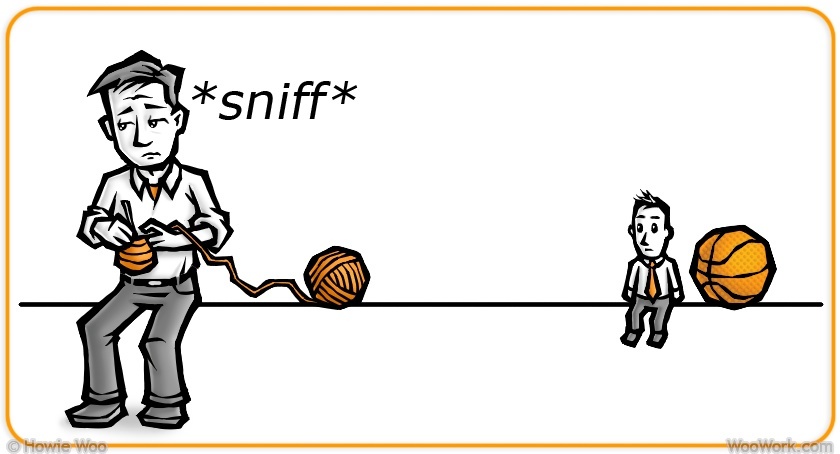
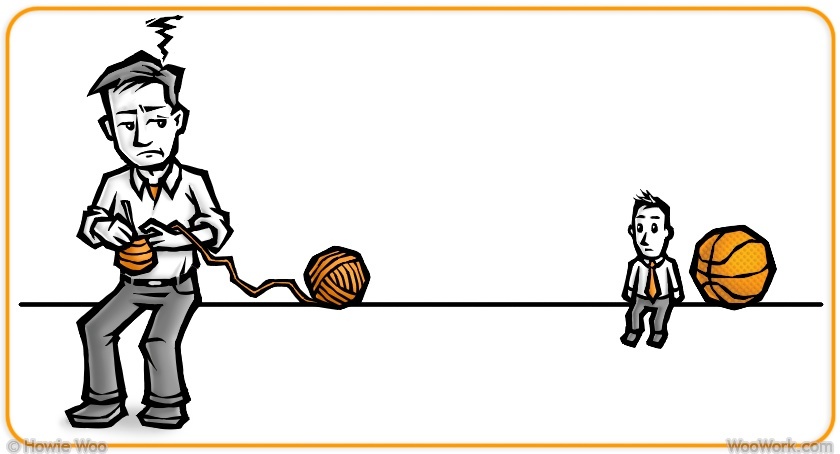
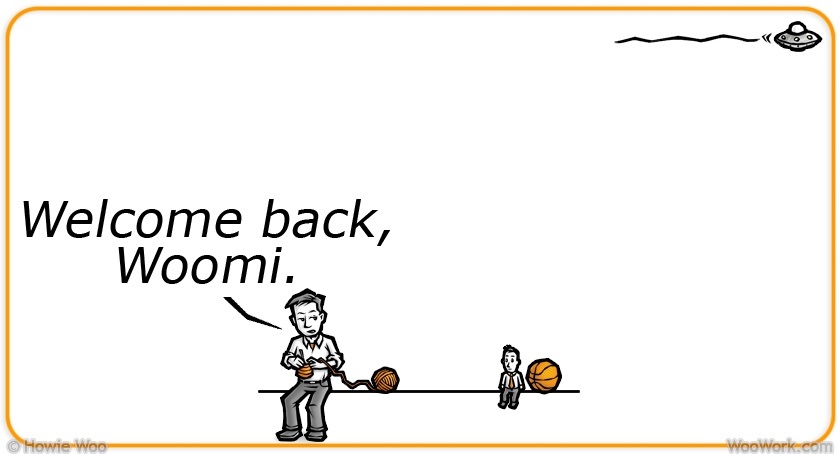
While working on the Woomi Wins app last year, some drawings were tricky to animate by hand:
During those times, I wished I knew how to use 3D software. So this year, I've been tackling Blender, a free, open-source 3D creation program.
Initially released in 1995
Thankfully, there are many Blender tutorials online. Over the course of a week, I got a good grasp of Blender by following these 2012 video lessons from Neil Hirsig.
Blender is regularly updated, so watching newer tutorials will get you caught up with the latest techniques. I like these YouTube channels from Darren Lile, Sebastian Lague, BornCG, CGMasters, and XRG81
My first 3D animations were based on characters that MJ first created:
"Heavenly Howie Cloud" pillow by MJ
"Nacho Ordinary Girl" by MJ
Then I made a dancing bear named BooBoo:
These lovebirds first appeared in the Woomi Wins app, but they're flying in three dimensions now:
But the character I most wanted to 3D-animate was Woomi...
Here he is, sculpted in Blender:
Here's Woomi, equipped with bones for posing:
Here he is, learning to walk, run, then run out of breath:
Finally, here's Woomi dancing beside his app's trailer:
MJ was the dance inspiration behind Woomi's smooth moves. I tried to mimic her dance routine:
Working in Blender requires much dragging of dots, lines, and surfaces. But it's magical when 3D characters take shape and come to life, just like with yarn characters.
I'll continue to create fun 3D animations this year, and post them online. So feel free to follow my upcoming work on Instagram, Facebook, or Twitter.
When learning to crochet in 2008, it was confusing and frustrating at first. In 2013, I felt the same way when learning to code. Since we learn best by building a project, I thought about bringing Woomi to interactive life...
An early sketch of Woomi's app.
I imagined Woomi's app to be an adventure story with many interactive pieces. Users would control crazy machines and vehicles as Woomi plotted world conquest with his clones.
Of the many software development kits to use, I eventually picked Corona SDK because it can build 2D apps that run on both iOS and Android platforms. It's also free.
For the next couple of years, I learned to code the way I learned to crochet: by following tutorials, watching YouTube guides, and reading reference docs and forums. The bit of math required was simpler than most crochet patterns. Instead, writing an app was like teaching a young robot: “Do this. Then, if this happens, do this. Or else, do that.”
My mantra throughout: "If teenagers can learn this, so can you!"
Woomi Wins was sparked by a sketch of Woomi's clone-making machine. Here it is, alongside the finalized scene in the app:
Woomi's crocheting/cloning machine, before and after.
Another early sketch next to the finished scene:
Woomi's IGWOO compound.
*View/download the Woomi Wins sketchbook here (85-page, 21MB PDF file, free)
A speed bump: the app required three sets of each drawing, to match the resolution of a user's device. Also, my 2010 laptop liked to crash a couple of times a day. Remember to backup! The spacebar too stopped working, so I used a clicky-sounding external keyboard.
I used Audacity—another free program—to edit all the sounds. Publishing an app on Apple's App Store and Google Play invites a global audience, but it costs $100US/yr to be an Apple developer, and a $25US one-time-fee to be a Google developer. Both companies also take a 30% commission from each app sold. It's free to be an Amazon developer.
Woomi Wins finally landed in the app stores on September 15, 2015—at $1.99US—among the millions of other apps. Woo!
If you download Woomi Wins onto your phone or tablet, I hope you enjoy Woomi's comic, cosmic misadventures! The app was made with love and built to entertain, clear of ads or in-app purchases.
When learning any new craft, confusion and frustration will greet you. Stick to it, and creative joy will greet you too.
Whether crocheting or coding, even basic techniques can lead to detailed designs. And fun stories can be told with those designs.
Thank you for all your support—then and now—from crochet to code!
I've been in hiding for the past five months. Specifically, I've been hiding my face...
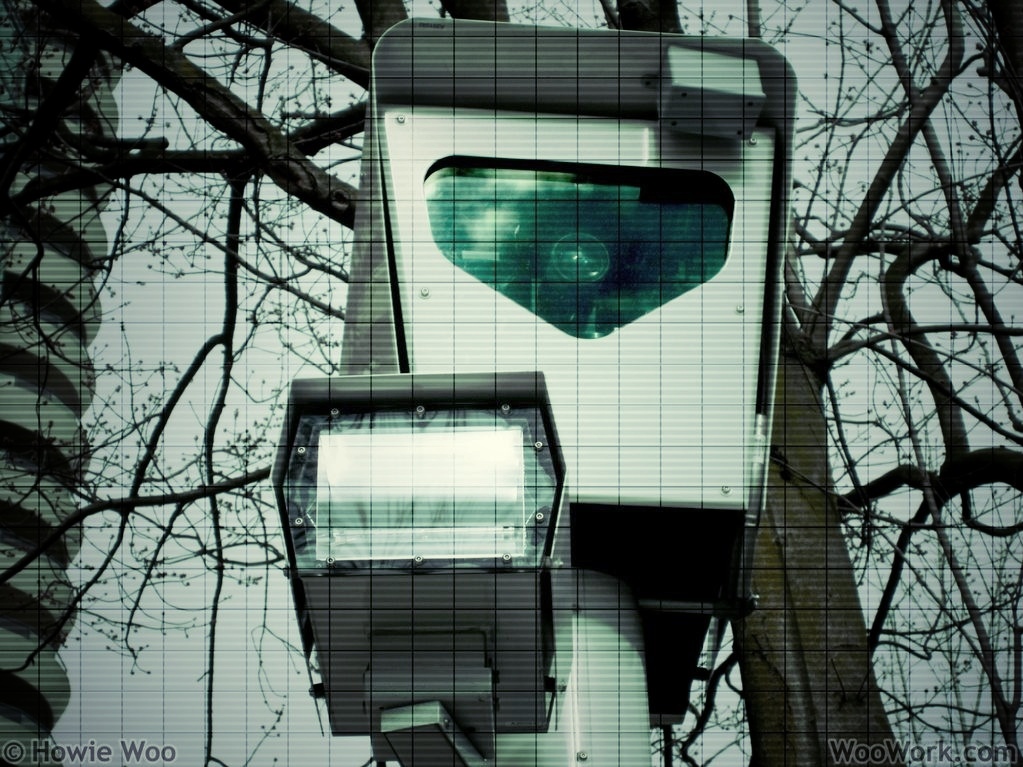
Have you read the news about Facial Recognition systems? This technology uses cameras and computers to automatically identify people by comparing their facial features to a database.
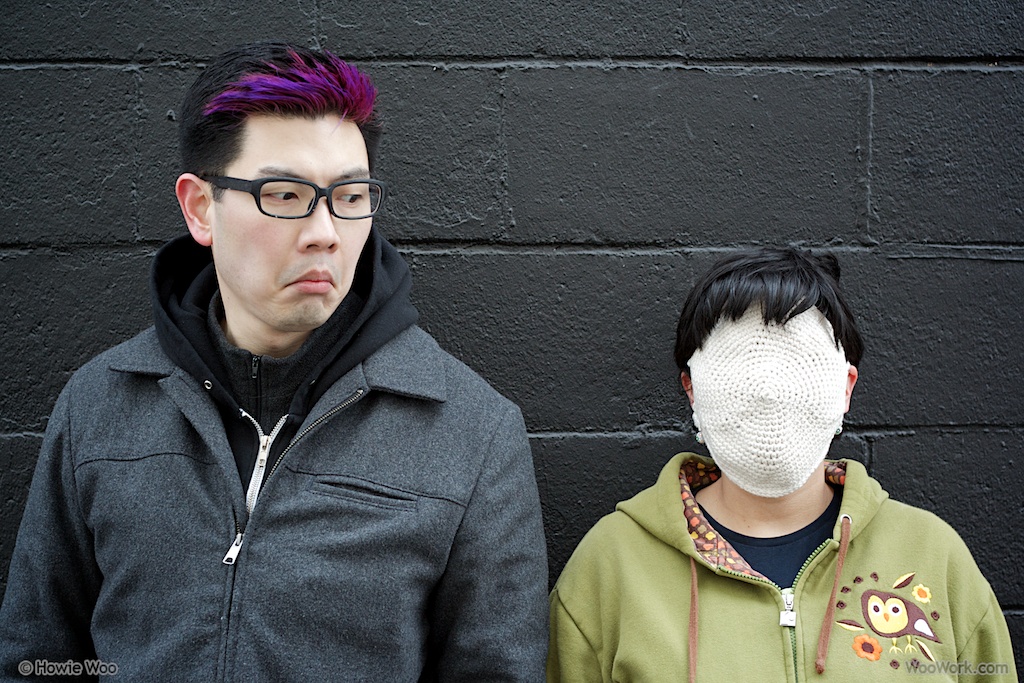
But I've emerged from hiding to share good news: I can fool facial recognition! Using cunning and crochet, we can reclaim our privacy!
I'll post how-to photos next week, after my nose heals. Until then, here's a video of my Anti-Facial Recognition System:
UPDATE - March 20, 2012
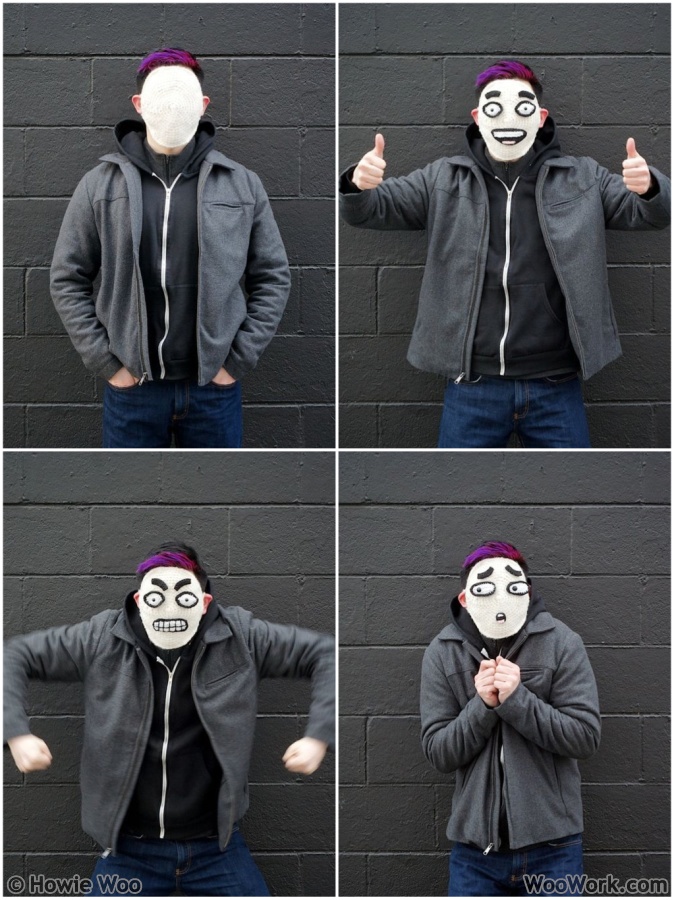
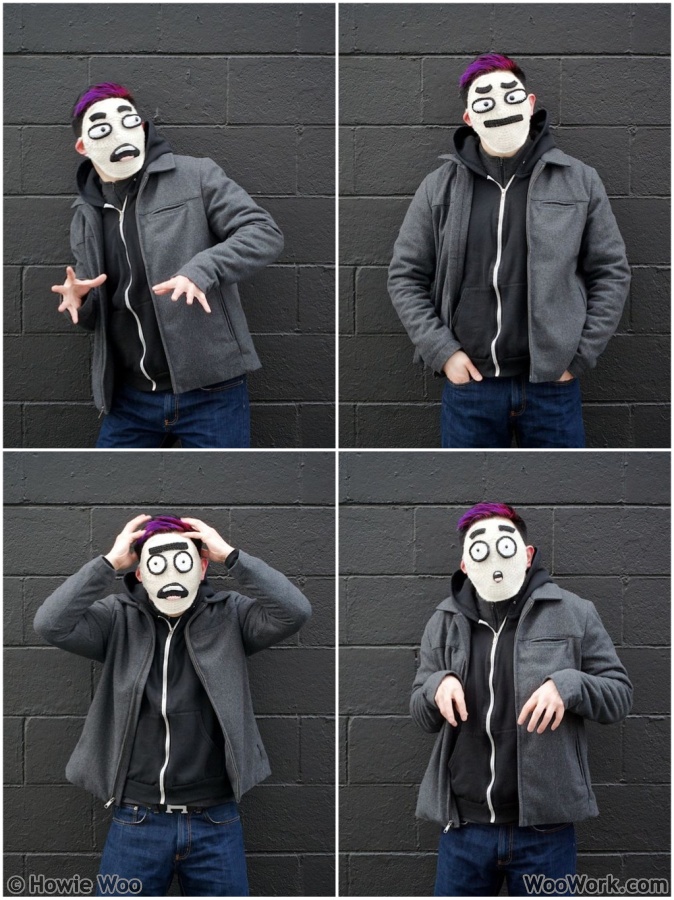
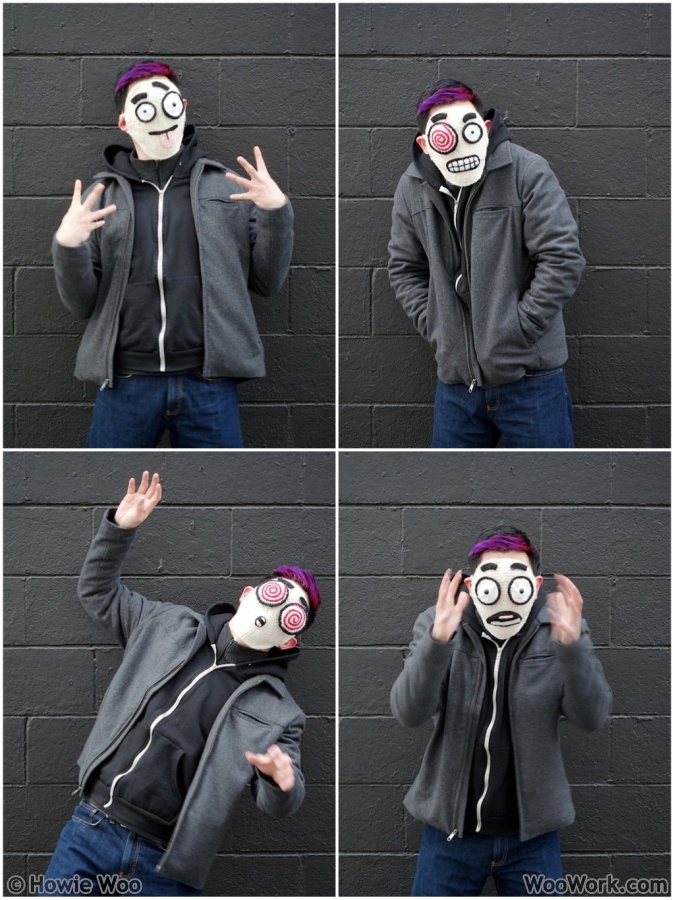
Despite the vision-impairment glitch, the Anti-Facial Recognition System offers these privacy-protecting facial expressions:
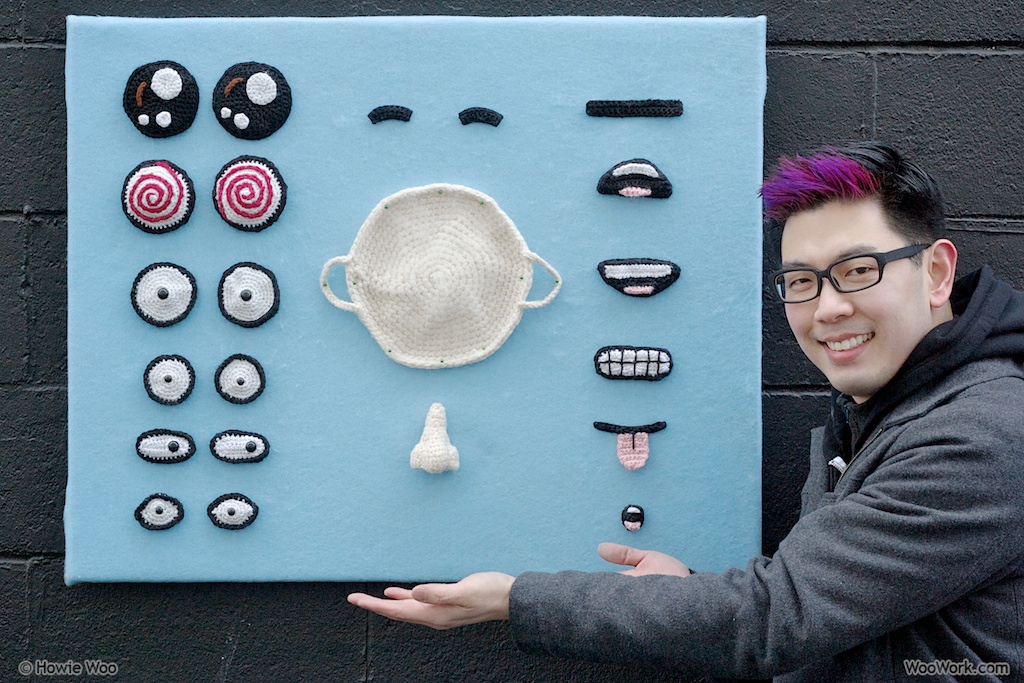
You can create those expressions with a blank mask and a handful of facial features:
Endorsed by Anonymous (Howie Woo)
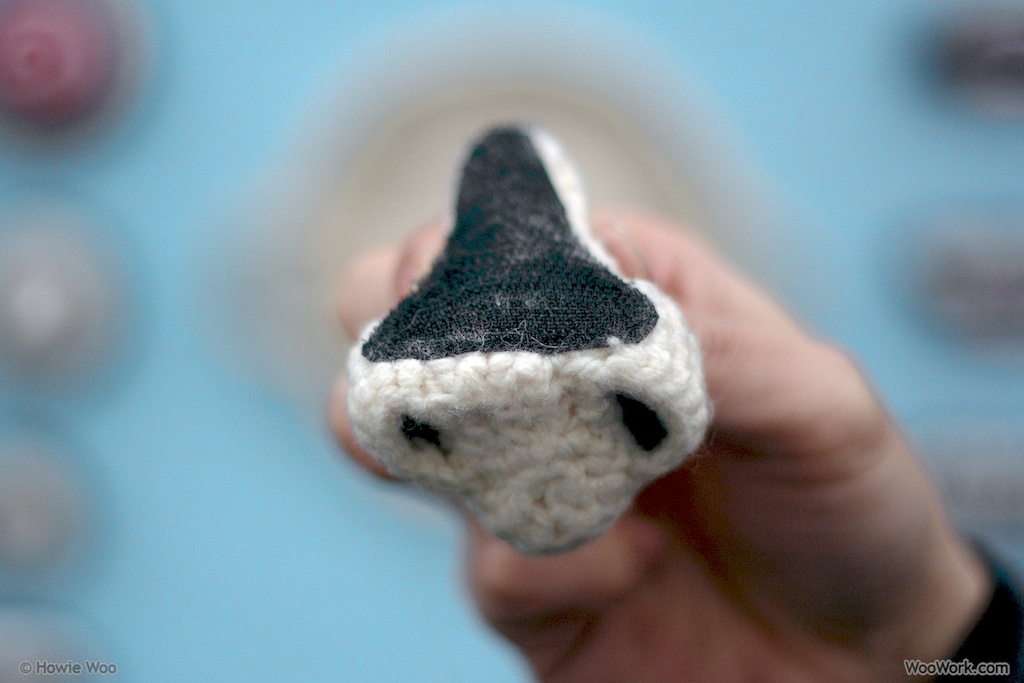
Stitch velcro onto the back of each piece.
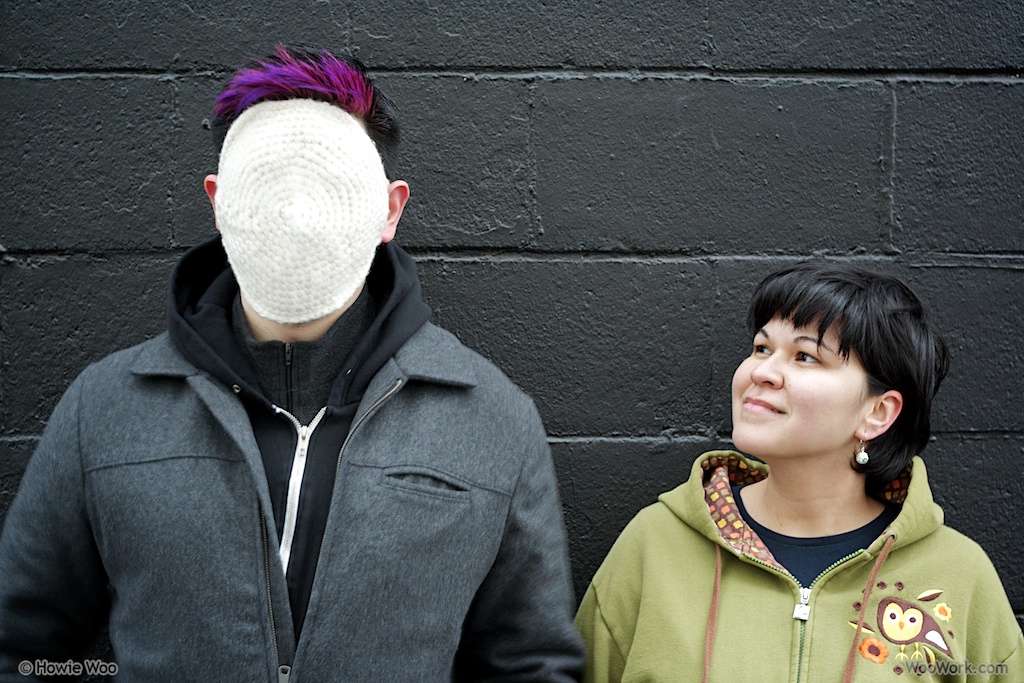
MJ recorded the FACE:REC video and helped make this project possible. We demonstrate how blank expressions are equally effective against prying eyes:
I hope this demonstration empowers us to protect our privacy and to apply brakes on the rapid use of facial recognition on our lives.
One day, I hope to upgrade the Anti-Facial Recognition System with a vision-providing, head-mounted camera that will identify nearby facial recognition systems by linking to a database.
During the recent home renovation, I found some dusty notebooks filled with half-completed ideas. One of my entries began with: "A robot is a poor tipper..."
Here's a completed, illustrated version of that idea, now dust-free! You can click the image to enlarge:
Next week, I'll crochet a scene from this comic. Until then, please tip your server accordingly!
UPDATE - August 6, 2010:
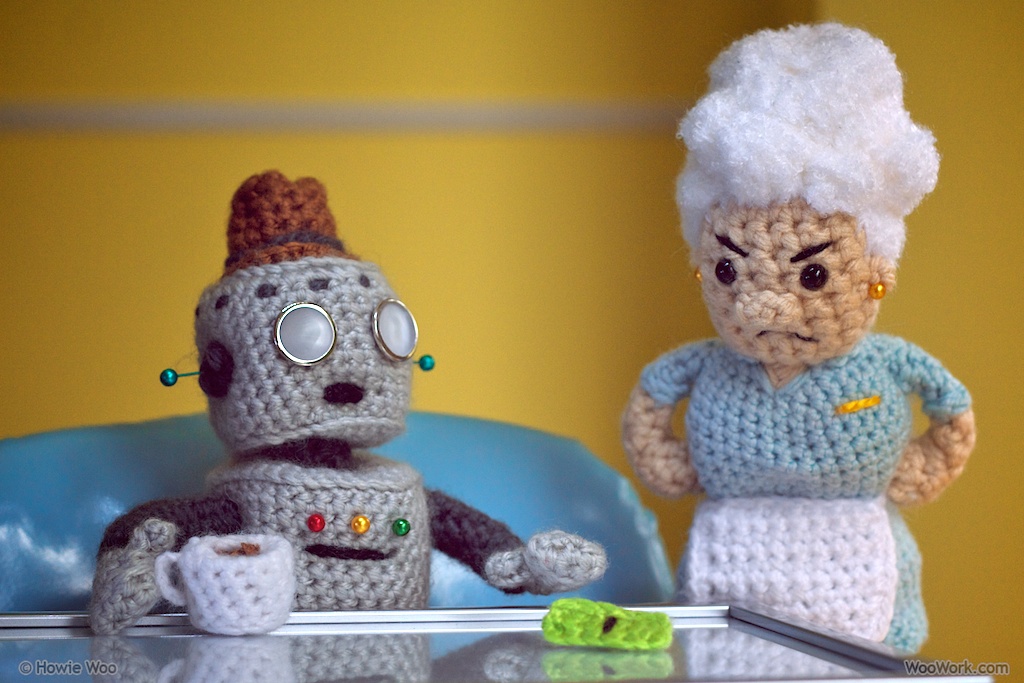
Almost four weeks later, here is a yarn version of the robot and his server!
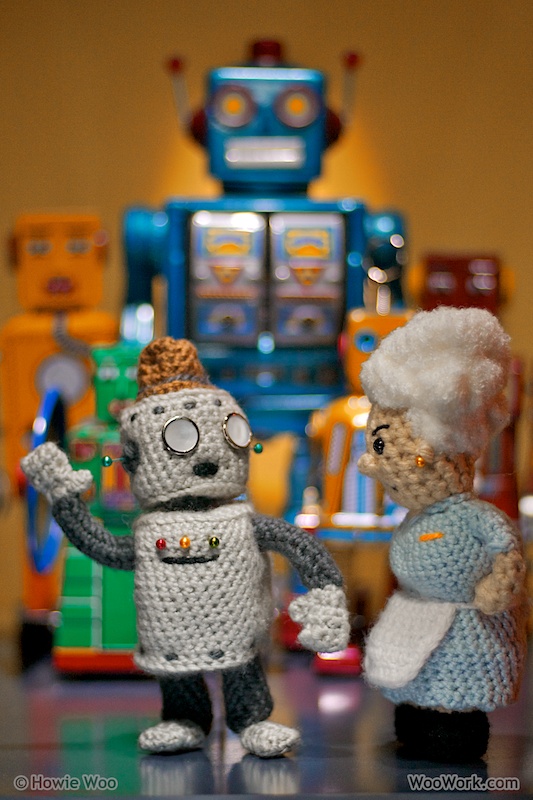
Was that photo worth the wait? If not, here's a bonus photo of the robot with his friends and associates: